 Posts and Plugins
Getting started
Choose how to run WordPress, install it and find your way around.
You can download WordPress for free and put it on a web host you choose.[1] Then the site is yours to run.
This handbook explains each part in plain words. Every page starts with a short summary and uses lots of pictures.
Start at the beginning →Check a plugin before I install it →
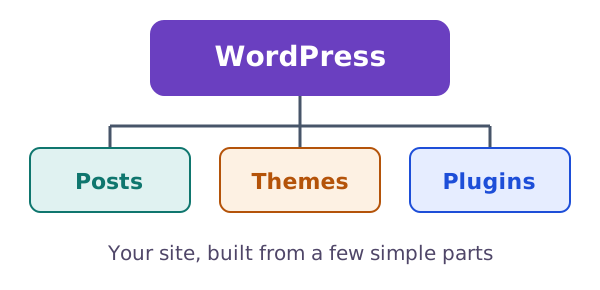
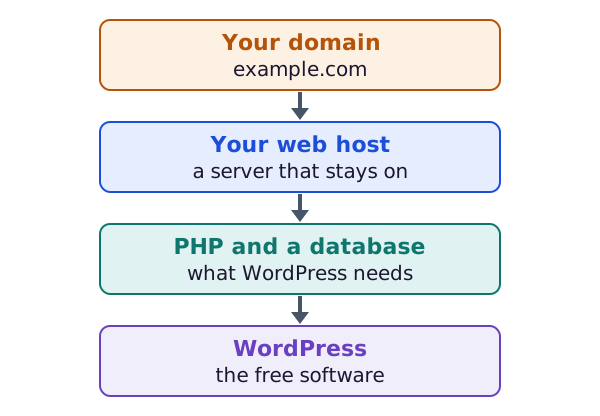
The software is free to download. You pay for the host and the domain.[1]
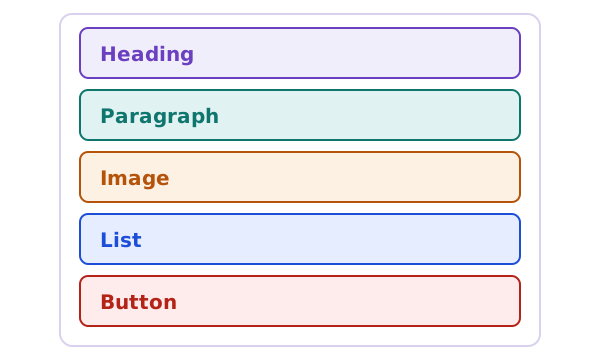
A paragraph is a block. So is an image. You can change one block without touching the rest.[2]
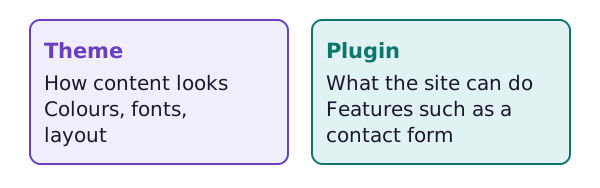
A theme controls how your content looks. A plugin controls what your site can do.[3]
Choose how to run WordPress, install it and find your way around.
Posts, pages, categories, the block editor and patterns.
What themes do, and how to change one without trouble.
Plugins, people, settings and updates.
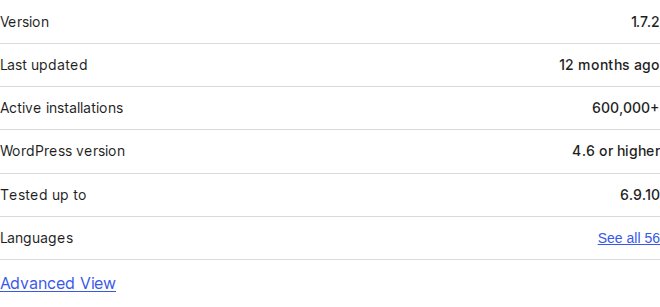
Worth reading before you install anything
A plugin is extra code on your site. This page shows which facts to check first and which warning signs to watch for.
The software is free. A web host and a domain are not.[1]
Each piece of content in the editor is a block.[2]
A plugin is a PHP script that extends what WordPress can do.[4]
Yes. You should always update WordPress to the latest version.[5]